 ORBIT, your AI partner
AI Employees: virtual assistants for realtors that each own one job
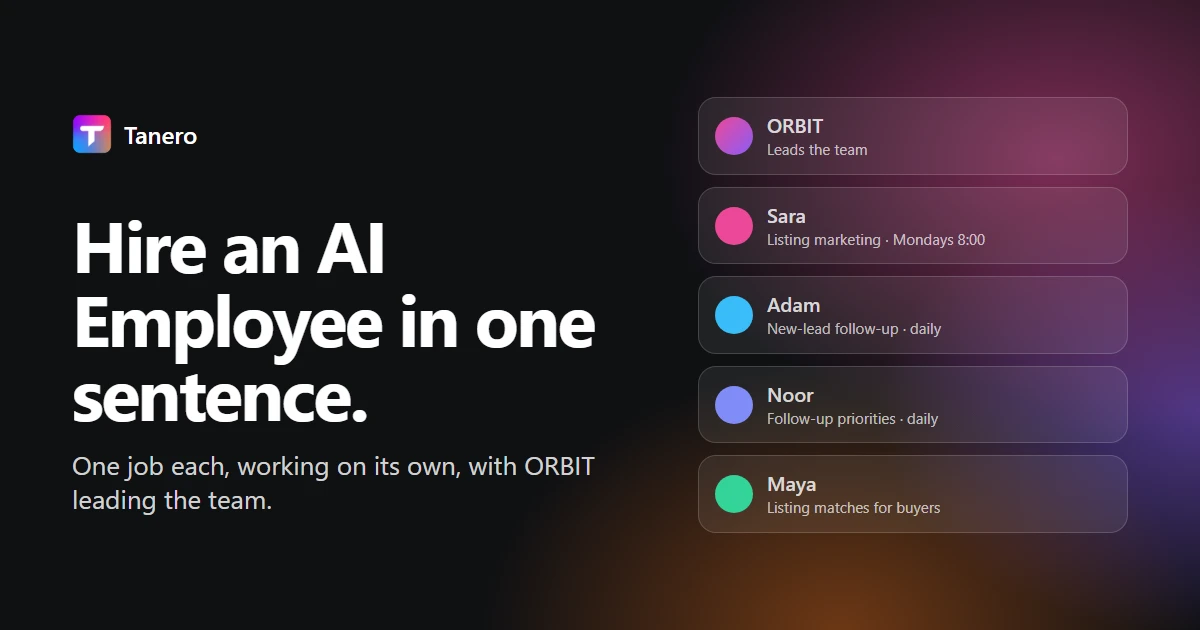
Hire an AI Employee in one sentence, give it one job such as lead follow-up, listing marketing or listing matches, and it works on its own on a schedule while ORBIT leads the team.
On this page
AI Employees are Tanero's virtual assistants for realtors. You hire one in a sentence, give it one job, such as new-lead follow-up, listing marketing or matching listings to your buyers, and it works on that job by itself, on a schedule, while ORBIT, your AI partner, leads the team.
Everything an Employee does shows up in your Feeds under its own name, and in Approval mode nothing it prepares reaches a client until you approve it. Pro includes three AI Employees and Ultra five.
The short version
- Hire in plain words: a name, a job title and one sentence about what it does.
- One job each: follow-ups, listing marketing, listing matches, your calendar, market research or social media ideas.
- Works on its own: each Employee runs routines on your schedule, such as every weekday at 9:00 AM.
- ORBIT leads the team: it hands each piece of work to the right Employee and keeps the whole picture.
- Credited in Feeds: every step an Employee takes appears under its name.
- You stay in control: in Approval mode, anything an Employee wants to send waits for your OK in the Action Center.
- Plans: Pro includes three Employees, Ultra five. Solo has none, and ORBIT still follows up on every plan.
Why realtors need help that works on its own
Most realtors know what should happen every week: reply to every new lead the same day, check which buyers have new matches, keep listing posts going out, and chase the follow-ups that slipped. The work is not hard. It is constant, and it falls apart in a busy week.
A human assistant or inside sales agent helps, with real overhead: hiring, training, hours and handovers. At published prices, a full-time inside-sales agent service costs about CA$1,757 a month with a three-month minimum. An AI Employee starts from a few lines you write, works its job around the clock, and comes with Tanero Pro at CA$599 a month, month to month.
How to hire an AI Employee
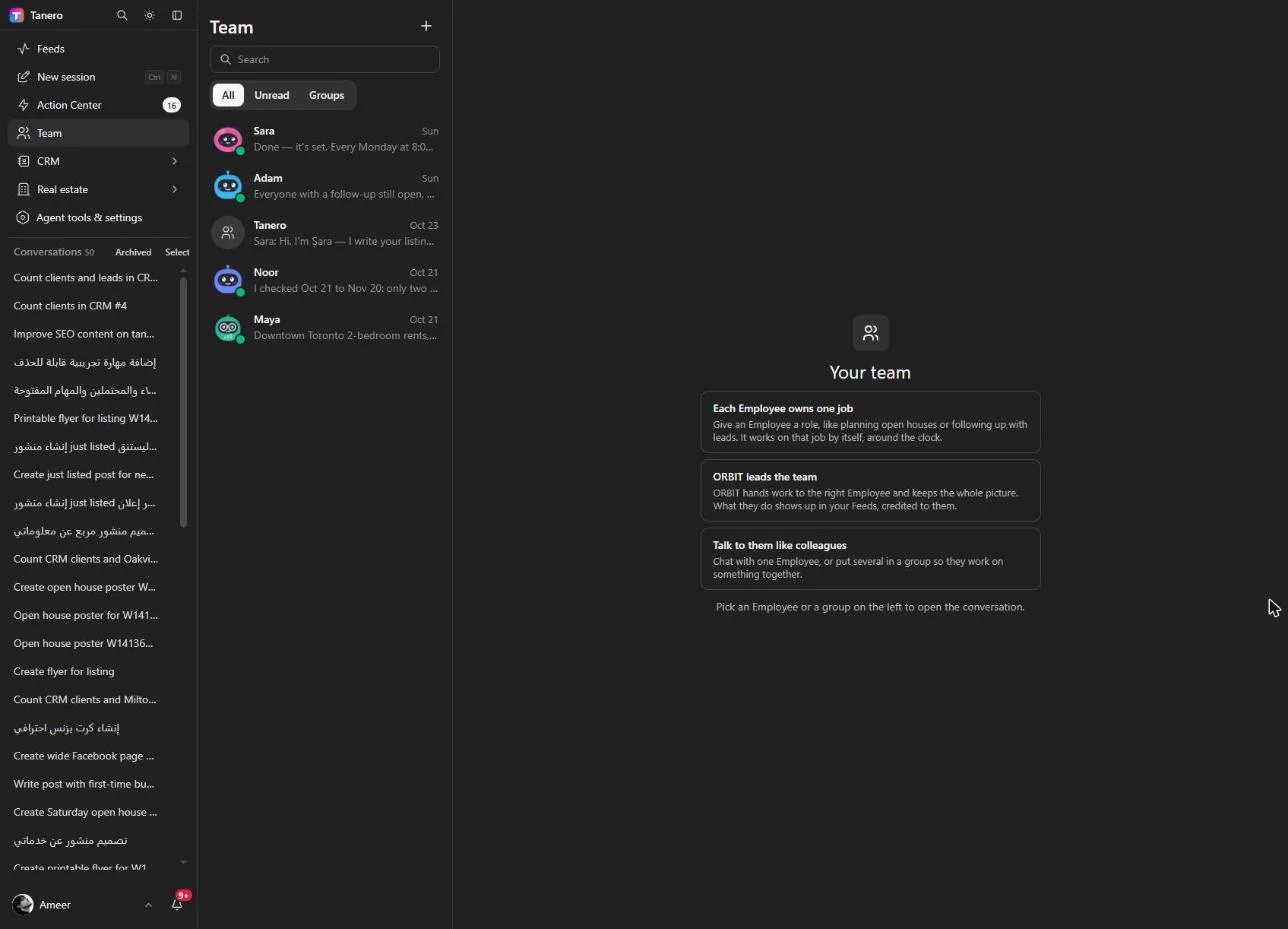
- Press Team in the sidebar, then + and New employee.
- Pick a look and a colour, then write a Name, a Job title and What they do in plain words, for example: Follows up with every new website lead the same day, and books a first call with me.
- Press Create employee. The Employee introduces itself in its own chat and starts with a daily round of its own job.
Talk to it like a colleague
Write to an Employee the way you would brief a person. Here, Sara, an Employee hired for listing marketing, writes a listing description and an Instagram caption for a downtown condo for lease, as drafts only, and then sets up a weekly routine: "Every Monday morning, give me 3 social post ideas for the week in my Feeds. Do not publish anything."
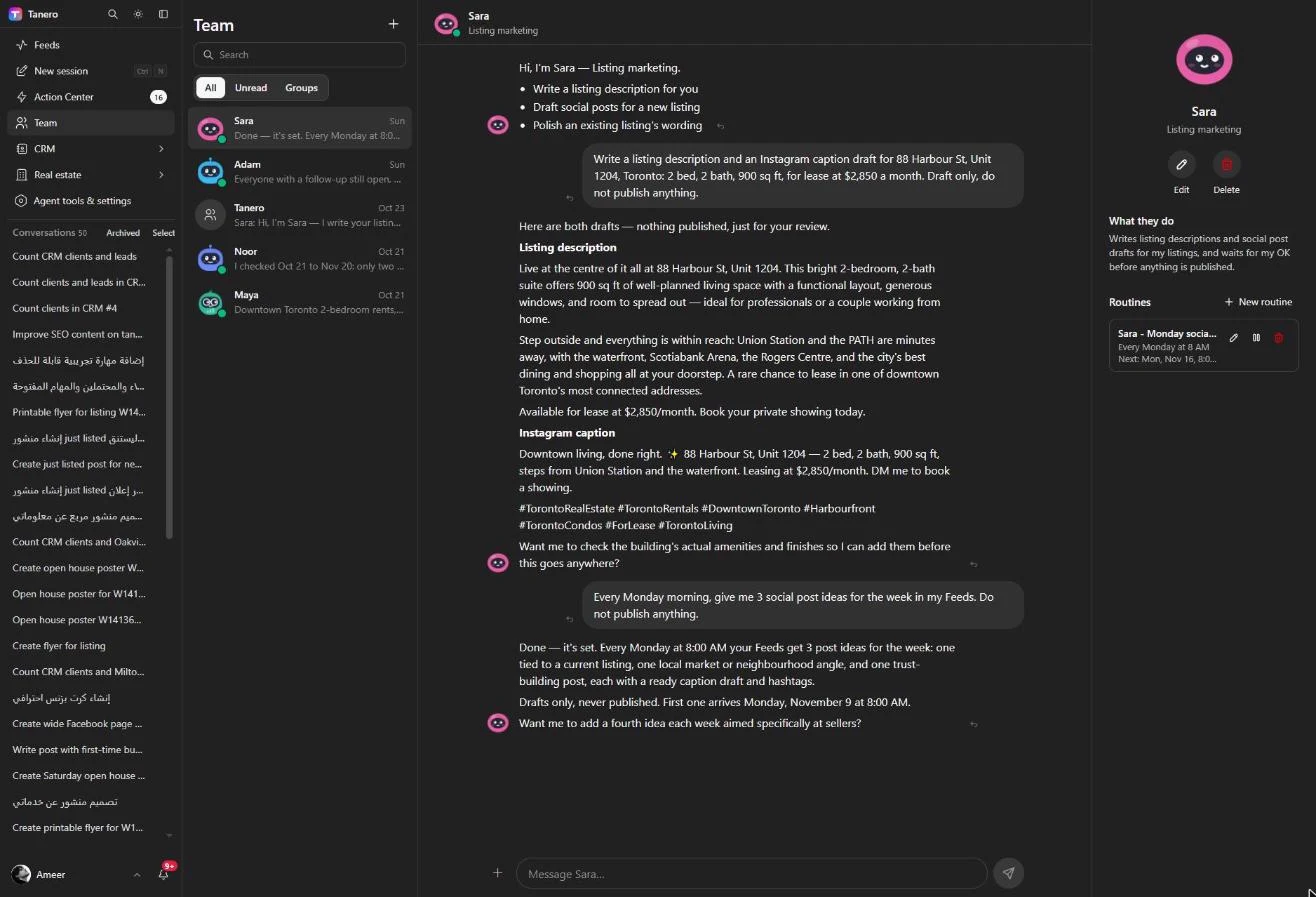
Her panel shows what she does and her routines, with the next run time. You can edit, pause or delete a routine at any time.
Make it automatic with routines
In the Employee's panel, press New routine, give it a name, choose when it runs (for example Every weekday at 9:00 AM) and write What to do. From then on the Employee does it by itself:
- Adam, new-lead follow-up: every morning, checks every lead with a follow-up still open and prepares the replies.
- Noor, follow-up priorities: every morning, sorts who needs an answer first today and why.
- Maya, listing matches: every day, checks new listings against each buyer's budget and area and saves the matches on the client's record.
- Sara, listing marketing: every Monday, three post ideas for the week from your current listings.
When a routine finds nothing new, it says so in one line ("No change since the run before") and sends nothing.
Where you see their work
Each Employee's results arrive in your Feeds under its own name, like a colleague's update. Sara's Monday post below holds three post ideas, each with a caption and hashtags, built from the realtor's current listings and checked against what was already posted. The Coming up panel shows every Employee's next routine.
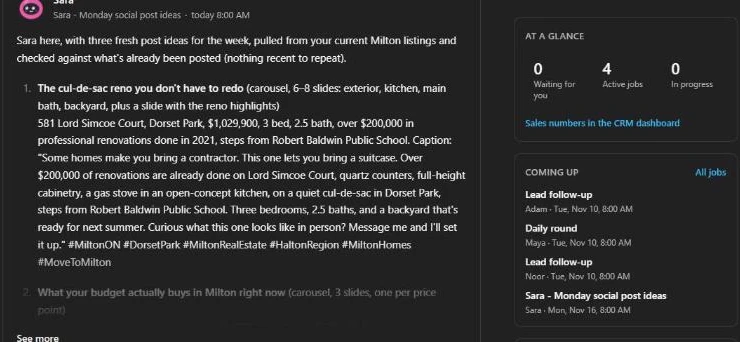
To steer an Employee, comment on its post or write to it in its chat. ORBIT hands work to the right Employee, so you can also simply ask ORBIT.
Work as a group
Press +, then New group, and put several Employees in one chat, for example your follow-up Employee and your listing marketing Employee, so they work on a launch together. ORBIT keeps the whole picture across the team.
What AI Employees do not do
- They do not replace a licensed realtor. Offers, pricing and contract questions come back to you.
- They do not send anything on their own in Approval mode, the default. In Auto mode they send within the rules you set.
- They do not work outside your account: each one works on your own clients, calendar and listings.
Questions realtors ask about AI Employees
What is the difference between ORBIT and an AI Employee?
ORBIT is your AI partner for everything and leads the team. An AI Employee owns one job and works on it by itself, and ORBIT hands it the right work.
Can an AI Employee do an ISA's job?
It can take the routine part: replying to new leads, sorting who needs an answer first and booking a first call with you. Anything sensitive, like price or an offer, comes back to you.
Can an AI Employee text or email my clients on its own?
Only in Auto mode. In Approval mode, the default, it prepares the message and you approve it in the Action Center.
How many AI Employees can I have?
Pro includes three and Ultra five. Solo does not include AI Employees, though ORBIT still follows up with your leads on every plan.
Do AI Employees use my AI usage?
Yes. Their work counts toward your plan's monthly AI usage, the same as ORBIT's.
How long does it take to hire one?
Under two minutes: a name, a job title and one sentence about what it does.
New to Tanero? Start with What is Tanero?, see virtual assistants for realtors and the pricing, or sign up and be live in under 5 minutes.